01
Assemble the document
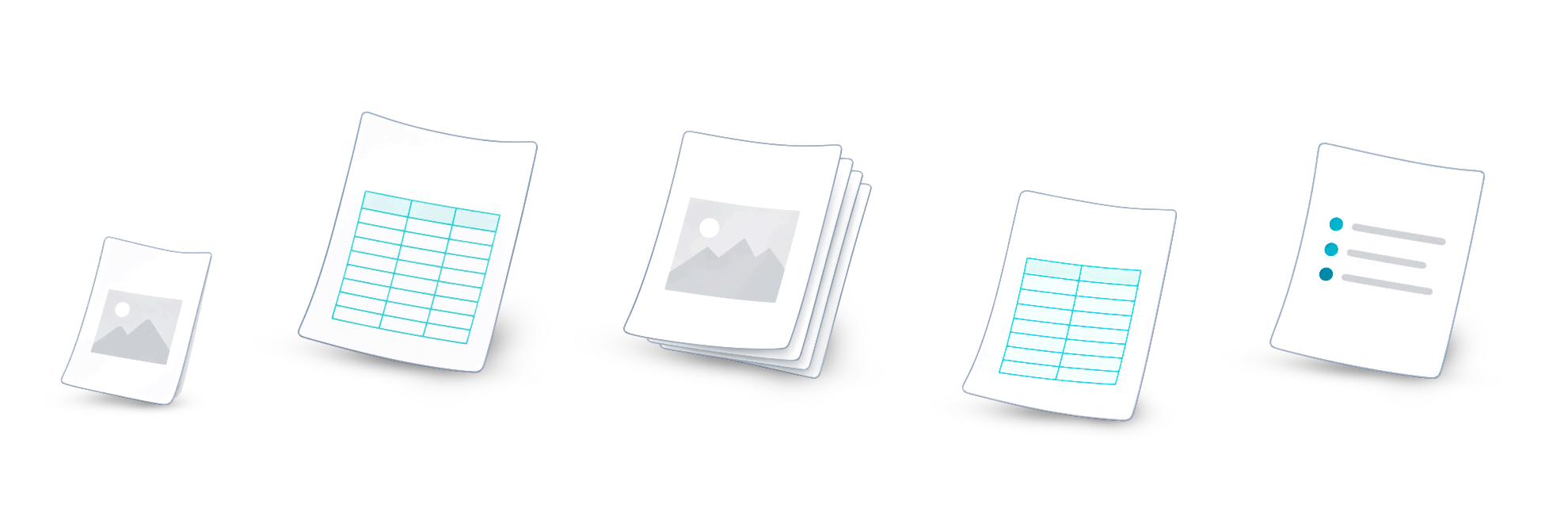
Combine PDF files and supported images. Arrange the pages in the order you need.
- Source materials
- Page order
- Assembled document
Pages in the right order

Tools for professional document work.
Documents, stamps, and teamwork — together in NERPI. Assemble PDFs, synchronize templates across devices, and work with shared team resources.
On desktop and mobile

One software suite
Prepare a single document or manage recurring tasks involving stamps. NERPI brings together the apps on your devices, your personal stamp organizer, and resources available to colleagues.
Documents and output
Turn individual pages into a final PDF. Use document tools on their own, and add a stamp when your task calls for one.
Combine PDF files and supported images. Arrange the pages in the order you need.
Pages in the right order
Create editable templates in Stamp Studio within NERPI. Use Dynamic Fields for variable data and reuse your template for the next task.
Templates and placed stamps are different

A final PDF and an editable project serve different purposes. Choose your output settings and save the project separately if you want to continue editing later.
Output file ≠ editable project
An illustration of the workflow, not an app screenshot.
Stamp synchronization
Synchronize stamp templates and categories. Switch devices and use your familiar stamp organizer without recreating each template.
Explore the appsEditable stamp templates are separate resources you can reuse.
Categories keep your stamps organized and make the right one easy to find.
Resource synchronization does not move working PDFs or projects to another device.
Synchronization requires connected devices, connectivity, and the appropriate permissions.
Teamwork
Prepare templates for your team, organize them into categories, and grant access to colleagues. Each person works on their own documents using the shared resources available to them.

NERPI apps
NERPI runs on Windows, macOS, iOS, and Android. Choose a device for your task and use your stamps and the team resources available to you.
Explore the appsAbout NERPI
NERPI is a software suite that brings together document tools, Stamp Studio for stamp templates, a personal stamp organizer, resource synchronization, and teamwork. NERPI apps run on Windows, macOS, iOS, and Android.
Stamp templates, categories, and related access data. Synchronization requires connected devices, connectivity, and the appropriate permissions. Working PDFs, their contents, and editable projects stay local.
An authorized team member prepares and updates shared templates and manages access to categories and individual stamps. Colleagues use these resources in their own documents. Teams collaborate through shared resources rather than editing the same PDF at the same time.
A template is separate from any stamp already placed in a document. Updating a shared template does not automatically change those stamps.
Yes. You can use NERPI to assemble documents, organize pages, and create final PDFs. Stamping is optional.
Useful now. Useful again.
For individual work, recurring tasks, and teamwork with shared resources.